ARO Server Installation Guide
Part 1: ARO Server Deb Package Installation
1. Preparation
Before starting this tutorial, ensure that:
- You have installed
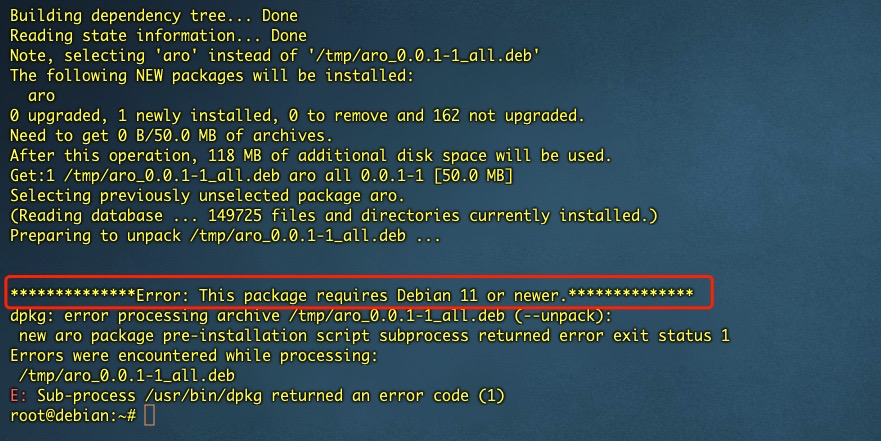
Debianversion 11 or higher on a physical machine (not a virtual machine). - You have Admin (root) user access to the system.
2. Install the Deb Package
Log in to the terminal, switch to the root user, and execute the following commands:
apt update

wget -O /tmp/aro-client-1.0.0.deb https://download.aro.network/files/deb/aro-client-1.0.0.deb

apt install -f /tmp/aro-client-1.0.0.deb
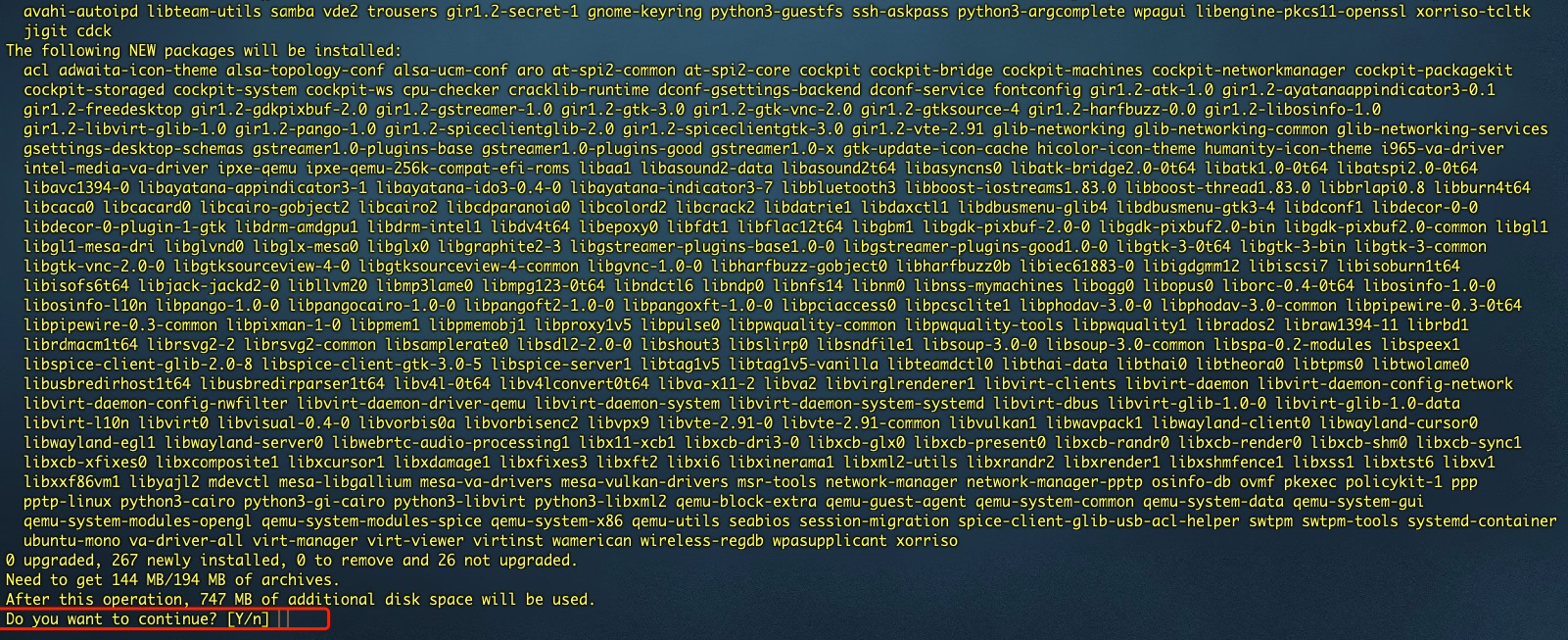
Enter Y to continue the installation.
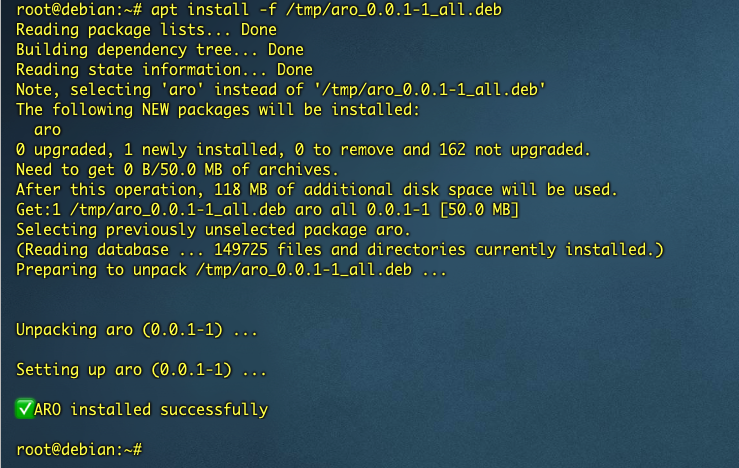
3. Installation Error Scenarios
3.1 Non-Root User Installation
Installing with a non-root user will result in an error and exit the installation.

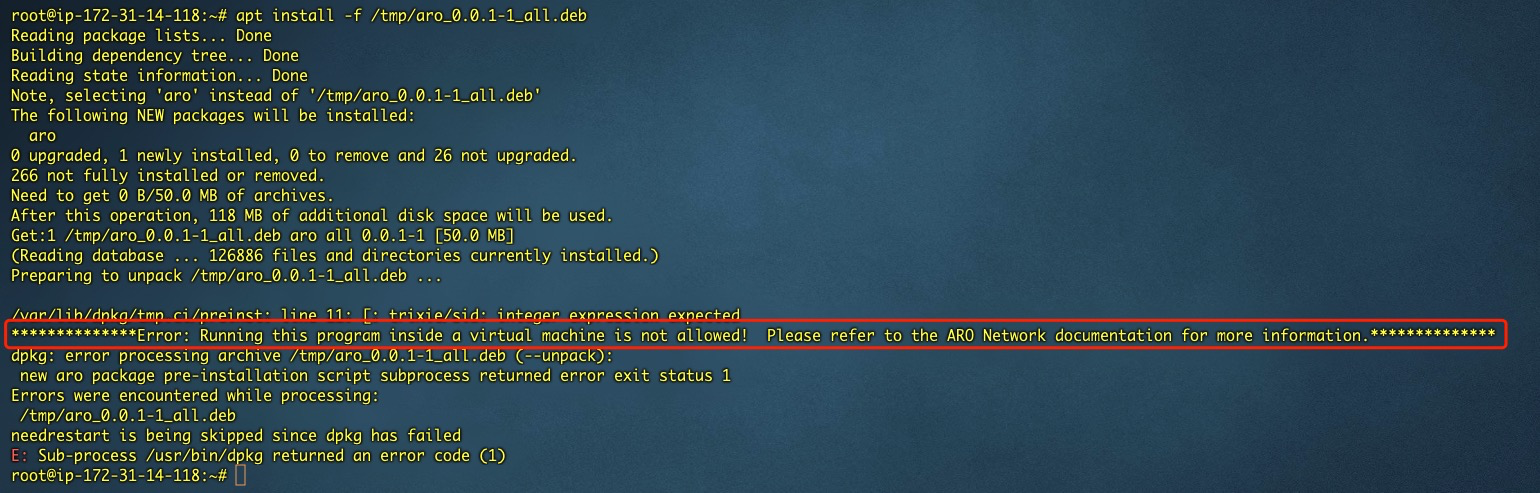
3.2 Virtual Machine Installation
Installing the deb package on a virtual machine will result in an error and exit the installation.
3.3 Installation on Debian Versions Below 11
4. Uninstall the Package
Execute the following command:
dpkg -P aro